How to edit a file in the Plesk File Manager?
- August 15, 2021
- 0 Comments
1. Log in to your Plesk account. (e.g., https://example.com:8443)
2. In the Sidebar Menu, click on Files.
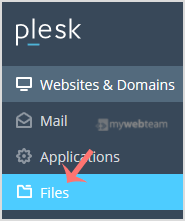
3. Under File Manager, enter the httpdocs directory.
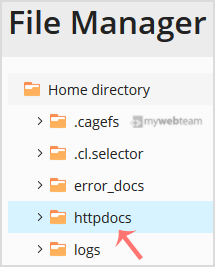
4. Hover over the file. The corresponding line will be highlighted. Next, click on the Menu Icon
 located at the end of the line, and the Context Menu will open. Click on Edit In HTML Editor or choose any other suitable editor.
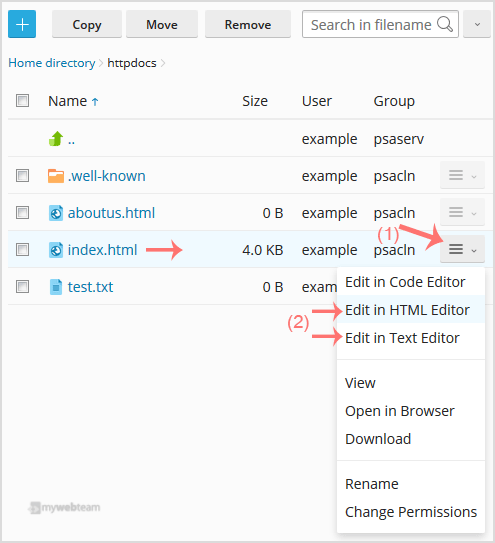
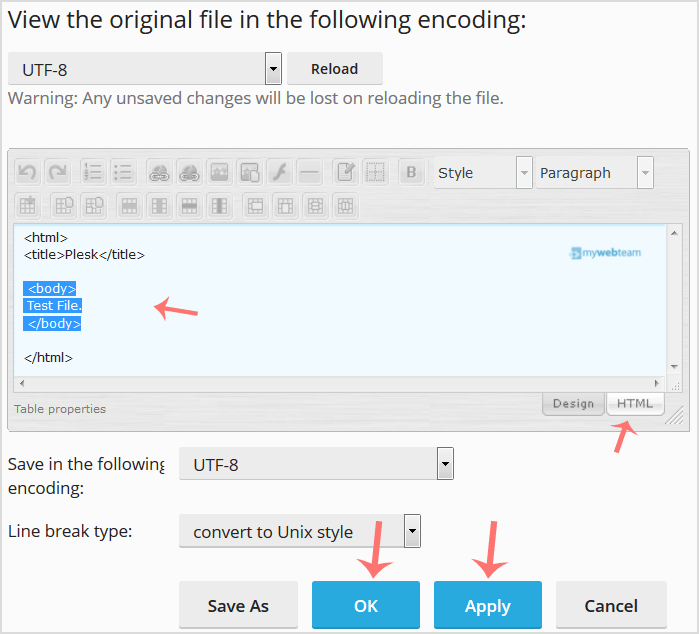
5. Make changes to your file and then click Apply. Next, confirm with OK.