
How to create a database in Plesk?
- August 15, 2021
- 0 Comments
You can create a database in your Plesk account.
1. Log in to your Plesk account. (e.g., https://example.com:8443)
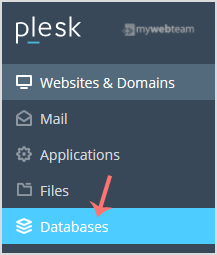
2. In the Sidebar Menu, click on Databases.
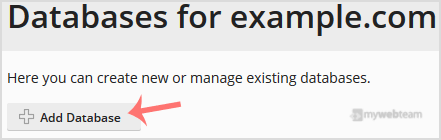
3. Click on Add Database.
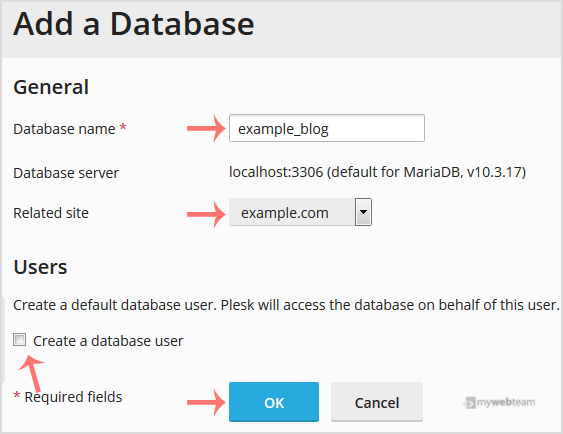
4. Under Add a Database, fill in the following details:
Database Name: Your database name, such as a blog.
Related Site: Choose an appropriate website from the drop-down menu.
Users: Uncheck Create a database user and then click OK.
It will display a success message, indicating that your database has been created.