
How to generate a dump of the database and download in Plesk?
- August 15, 2021
- 0 Comments
You can generate a copy/backup of your database and download it to your computer using Plesk.
1. Log in to your Plesk account. (e.g., https://example.com:8443 )
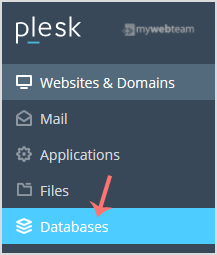
2. In Sidebar Menu, Click on Databases.
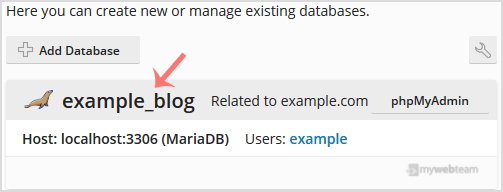
3. Under the list of databases, click on the database you wish to download.
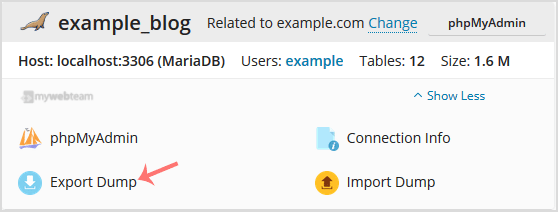
4. Now click on Export Dump, and a popup box will appear.
5. In the popup box, choose the directory where your database dump will be saved, then tick mark Automatically download dump after creation. Confirm with OK.
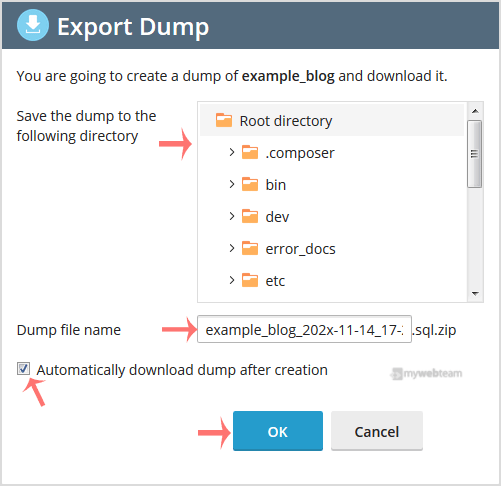
Once a database dump is generated, your browser will prompt you to download it.