
How to access your email account from Plesk Webmail?
- August 15, 2021
- 0 Comments
You can access your Email account directly from Webmail.
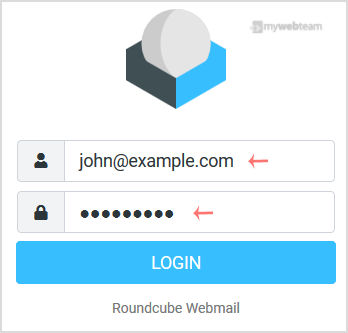
Open https://webmail.example.com, replace example.com with your domain name and enter your full email address and password in the user login details. Click the Login button afterwards.
After successful login, your email will open, and you can check or manage it.